1
Say what you're open to.
You are here. What do you want to do?
Someone want to grab coffee?
Looking for a gym partner
Building a company. Anyone else?
Anyone want to play tennis?
You send a Nod.
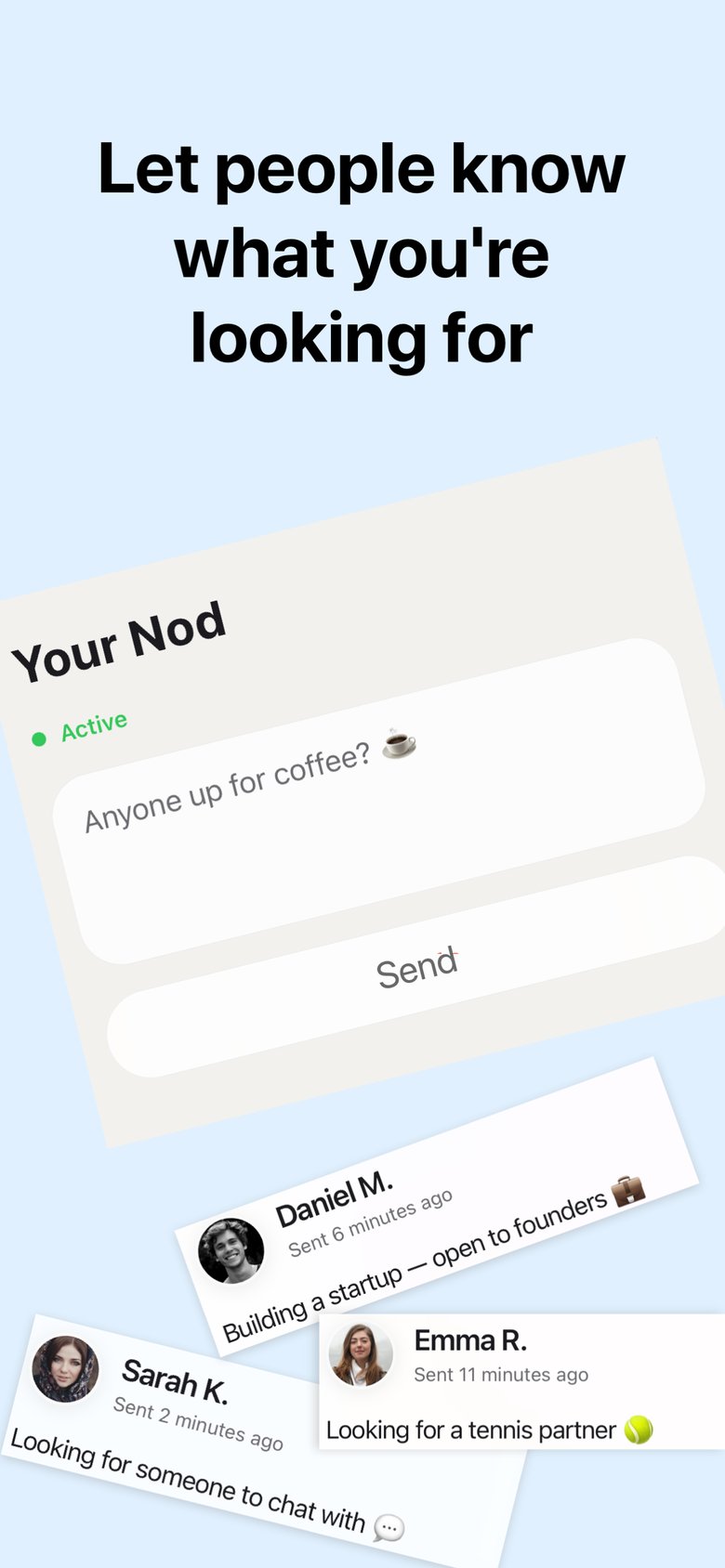
I tell people what I want. I see who else wants something. We both say yes. We talk.
1
You are here. What do you want to do?
You send a Nod.
2
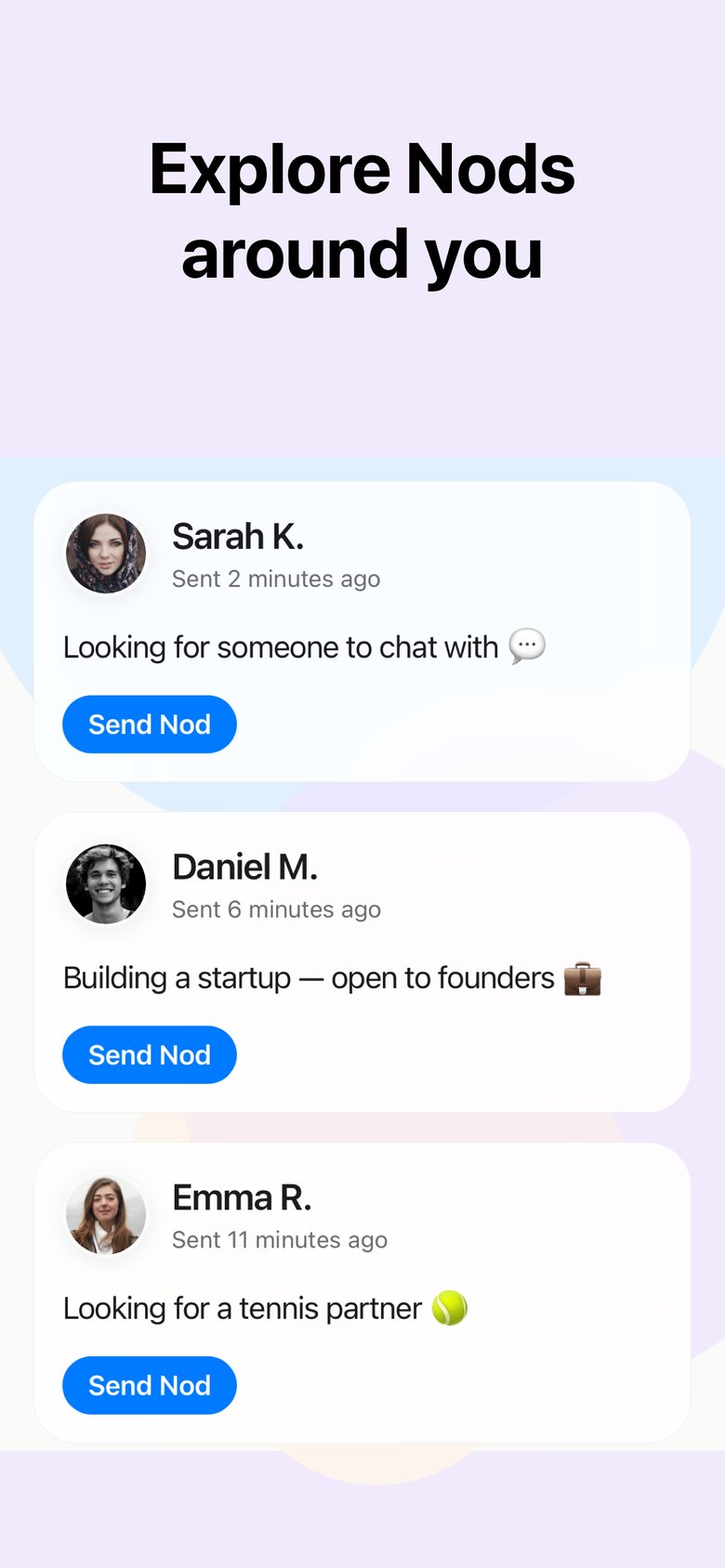
The people nearby have intentions too. You just couldn't see them — until now.
3
Found someone interesting? Send them a Nod.
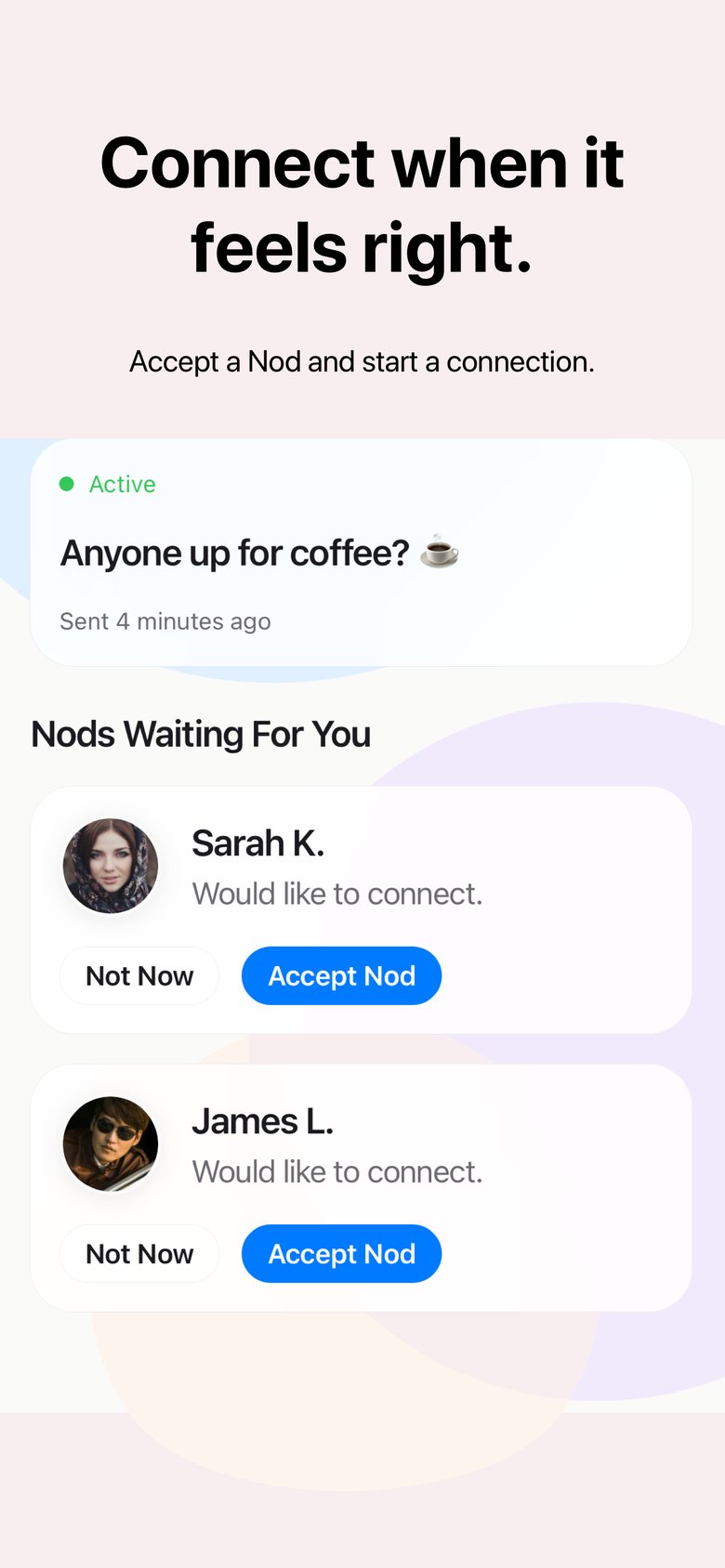
No random messages. No awkward approach. Both of you say yes — or nothing happens.
4
When you both choose each other, you can talk.
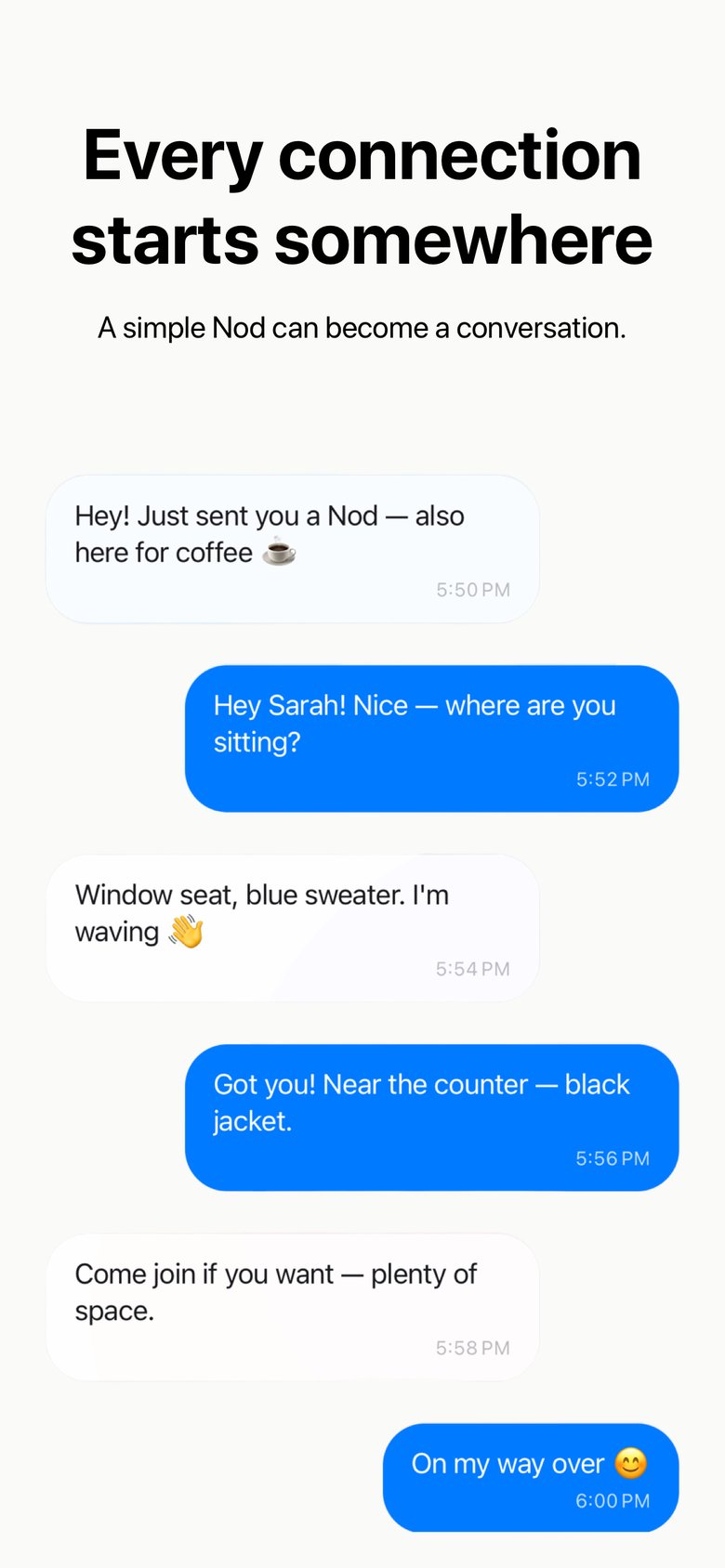

Someone sitting alone — “Open to coffee.” Someone else — “Looking for a conversation.” They both tap Nod. Then: coffee together.
What you'll be asked when you open Nod — and why.
Location is what makes every connection real. When you post a Nod, Nod saves where you are so that people who are actually nearby can find you — and vice versa. Without it, anyone anywhere could show up in your feed and claim to be around the corner.
Your exact location is never shared with other users and is never shown on a public map. It exists privately on your Nod so the matching can happen. Once your Nod is deleted, the location goes with it.
Bluetooth is your proof-of-presence. GPS alone can place two people in the same neighbourhood, but Bluetooth confirms you're genuinely in the same physical space. That's what makes Nod different from every other app — the connections are real because the proximity is real.
Nod only uses Bluetooth to detect anonymous nearby devices — no names, no personal data, just a signal that says someone with Nod is here. It kicks in when you send or receive a Nod, not while you're just browsing.
Yes. You can browse Nods from people nearby using location alone. Bluetooth becomes necessary the moment you want to act — sending a Nod or connecting with someone — because that's when we verify you're both genuinely in the same place.
No. Location and Bluetooth data are used only for proximity matching inside Nod. We don't sell it, share it with advertisers, or use it to build a profile of your movements. Read the full Privacy Policy for details.
Get Nod.